AI video tools help gaming creators turn gameplay, streams, and recordings into engaging videos faster. Find tools for editing, highlights, effects, and more.
Best AI Video Tools for Gaming Creators
CapCut
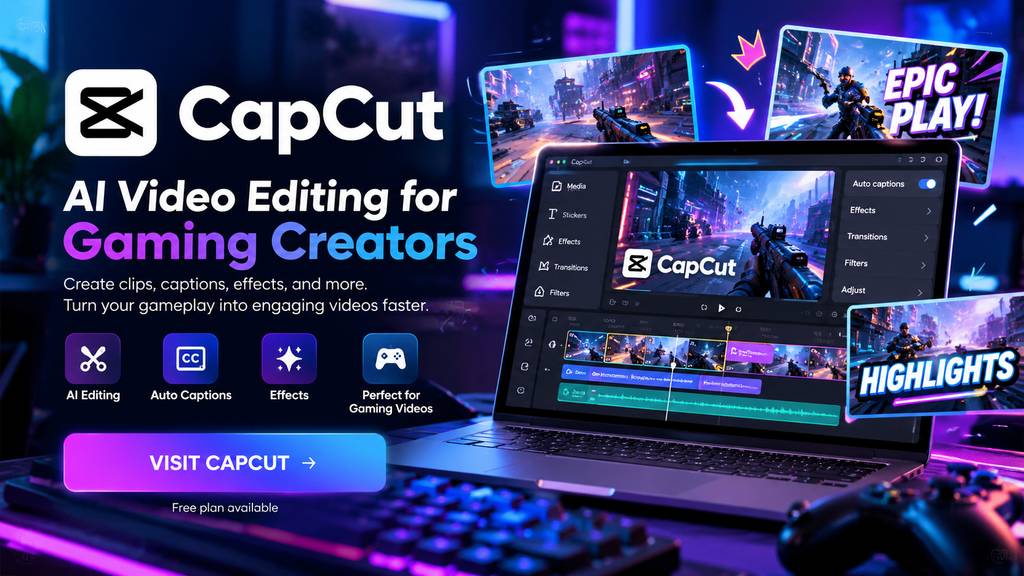
CapCut is an easy-to-use video editor for gaming creators. Create gameplay videos, highlights, Shorts, and social media content with AI-powered editing tools, captions, effects, and more.
Pricing: Free plan available
Why use CapCut?
Easy AI Editing
Edit gameplay videos quickly with simple AI-powered tools.
Auto Captions
Automatically generate captions to make gaming videos easier to follow.
Gaming Effects
Add effects, transitions, and visual elements to make gaming content more engaging.
How Gaming Creators Can Use CapCut
- 1.Turn gameplay into highlight videos
- 2.Create Shorts for YouTube and social media
- 3.Add captions to make videos easier to follow
- 4.Use effects and transitions to keep viewers engaged
Easy to learn, fast to edit, and useful for both short clips and full gaming videos.
Who is CapCut for?
CapCut is a good choice for gaming creators who want to quickly turn gameplay, streams, and recordings into engaging videos, Shorts, and social media content.
Pros & Limitations
Pros
- Easy to learn
- Fast editing
- Useful for Shorts and gaming videos
Limitations
- Some advanced features may require a paid plan
- Features and pricing can change over time
Pricing
Free plan available
How to use CapCut
- 1.Open CapCut
- 2.Upload your gaming video
- 3.Cut unwanted parts
- 4.Add AI captions and effects
- 5.Export your video