A great gaming video needs more than exciting gameplay. Voiceovers can help explain strategies, tell stories, introduce characters, and make tutorials easier to follow.
But recording your own voice isn’t always convenient. You might not have a microphone, want to produce videos faster, or prefer a consistent voice across your channel.
AI voice generators offer another option. They can turn written scripts into spoken audio, helping gaming creators produce commentary, tutorials, reviews, and short-form videos.
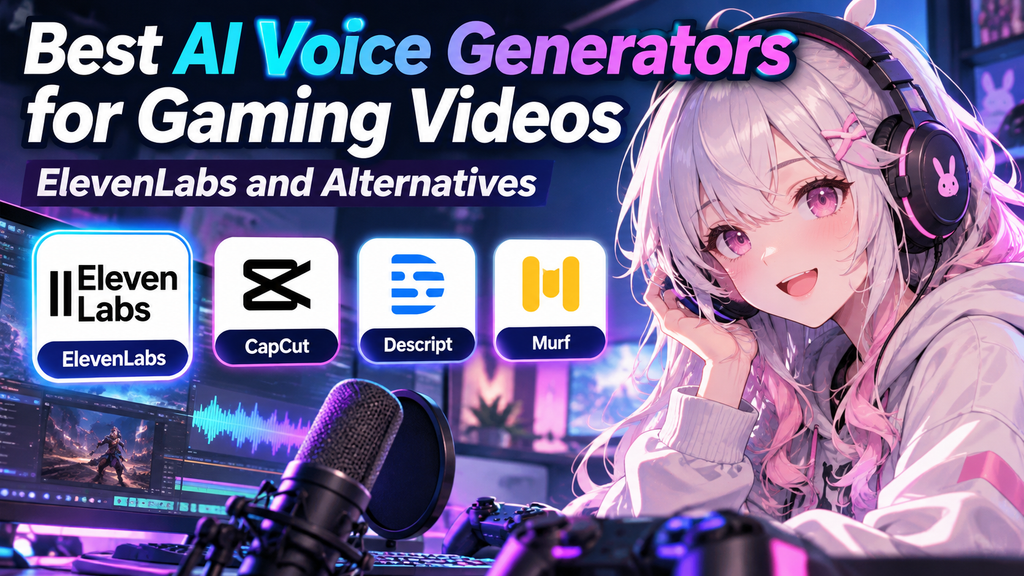
In this guide, we’ll compare four AI voice tools: ElevenLabs, CapCut, Descript, and Murf. You’ll learn what each tool does best and how to choose the right one for your workflow.
Affiliate disclosure: This article contains affiliate links. If you purchase through our ElevenLabs link, we may earn a commission at no additional cost to you.
Quick Comparison: AI Voice Generators for Gaming
| Tool | Best For | Main Advantage |
|---|---|---|
| ElevenLabs | Natural-sounding gaming narration | Expressive AI voices and voice tools |
| CapCut | Quick voiceovers for edited videos | Text-to-speech and video editing in one workflow |
| Descript | Editing narration and video together | Text-based editing and personal voice cloning |
| Murf | Polished, structured narration | Voice styles and production-focused controls |
The best choice depends on your content, budget, and editing workflow. Features and usage limits can vary by plan.
1. ElevenLabs: Best for Expressive Gaming Voiceovers
ElevenLabs is a strong option for creators who want natural-sounding narration without recording every line themselves.
It offers text-to-speech, voice design, voice cloning features, and tools for working with audio. These features can be useful for gaming videos that rely on storytelling, character introductions, or engaging commentary.
Why Gaming Creators Might Choose ElevenLabs
- Create narration from a written script.
- Explore different AI voices and delivery styles.
- Generate voiceovers for gaming guides, reviews, and explainers.
- Use supported voice tools to develop a consistent sound for your channel.
- Explore multilingual voice generation for content aimed at different audiences.
How to Use ElevenLabs for Gaming Content
Start by writing a short script for your video. Choose a voice that fits the tone of your content, generate the audio, and listen to the result before using it.
For a strategy guide, you might want a clear and informative voice. For a dramatic game recap, a more expressive delivery could work better.
Always review pronunciation, pacing, and pauses. Game names, character names, abbreviations, and technical terms may need adjustments.
If you’re new to the platform, read our detailed guide: How to Use ElevenLabs for Gaming Content: AI Voiceovers Made Easy.
Ready to try it?
Things to Consider
Some features require a paid plan, and usage limits depend on your subscription. Review the current plan details and commercial-use terms before publishing monetized content.
Official website: ElevenLabs
2. CapCut: Best for Quick Video Editing and Voiceovers
CapCut combines video editing tools with AI features, including text-to-speech. This can make it convenient if you want to create a voiceover and edit your gaming footage in the same workflow.
Instead of generating audio in one application and importing it into another, you can use CapCut’s available editing and voice tools together.
Why Gaming Creators Might Choose CapCut
- Add AI-generated narration to gameplay footage.
- Edit clips and arrange audio on a video timeline.
- Adjust voice settings where supported.
- Create videos for YouTube and short-form platforms.
- Keep basic editing tasks in one application.
When Is CapCut a Good Choice?
CapCut is particularly convenient for creators who already use it to edit gaming videos. You can write a short explanation, convert it to speech, and arrange the narration alongside your gameplay.
For example, you could create a short video explaining three mistakes beginners make in a game, with AI narration over recorded gameplay.
The available voices, usage limits, and features may vary by version, region, and account.
Things to Consider
CapCut is an editing-focused tool rather than a dedicated voice platform. If you need a specific vocal identity, advanced voice workflows, or more control over narration, compare its results with a dedicated voice generator.
Official tool: CapCut Text-to-Speech
3. Descript: Best for Editing Narration and Video Together
Descript is designed for creators who want to work with audio and video through a text-based editing workflow.
Its AI voice tools can generate speech from text and support personal voice cloning with appropriate voice samples and authorization.
Why Gaming Creators Might Choose Descript
- Edit narration by working with its transcript.
- Create voiceovers for tutorials and commentary.
- Use a personal voice clone for supported workflows.
- Combine narration and video editing in one environment.
- Correct certain spoken mistakes without recording every line again.
When Is Descript a Good Choice?
Imagine recording a gaming tutorial and realizing that one explanation is incorrect. Depending on your workflow, text-based editing and voice regeneration can make corrections easier than recording the entire narration again.
Descript can also suit creators who produce longer explanations, reviews, or commentary videos.
Things to Consider
Descript is more than a voice generator, so its editing workflow may be unnecessary if you only want to convert a short script into an audio file. Review its current plans to check which voice features and usage limits are included.
Official tool: Descript AI Voices
4. Murf: Best for Structured, Professional Narration
Murf offers AI text-to-speech tools for voiceovers, presentations, and other narration-focused content.
Its voice library and speaking-style options can help creators develop a consistent presentation style for educational or informational videos.
Why Gaming Creators Might Choose Murf
- Create spoken narration from written scripts.
- Explore different voices and speaking styles.
- Produce explanatory audio for gaming tutorials.
- Develop a consistent voice style across a series of videos.
- Use supported language and voice options for different audiences.
When Is Murf a Good Choice?
Murf may suit creators who publish structured content such as gaming tutorials, software guides, reviews, or educational videos.
For example, a video explaining a game’s settings or comparing different strategies may benefit from clear, consistent narration rather than highly dramatic character voices.
Things to Consider
Compare the available voices with your preferred style before subscribing. Some creators may prefer ElevenLabs for expressive narration or CapCut for a simpler editing workflow.
Official website: Murf AI
Which AI Voice Generator Should You Choose?
The right tool depends on what you want to create.
Choose ElevenLabs If…
You want expressive narration, a wide range of voice options, or dedicated AI voice tools for your gaming content.
Choose CapCut If…
You want to combine voiceovers and video editing in one workflow, especially for gameplay clips and short-form videos.
Choose Descript If…
You regularly edit narration, transcripts, and video together and want text-based editing features.
Choose Murf If…
You mainly create structured tutorials, reviews, explainers, or other videos that benefit from polished narration.
If you’re unsure, try the features available in each tool before committing to a paid subscription. Listen to the same short script in several voices and compare the results.
How to Get Better AI Voiceovers for Gaming Videos
Choosing a tool is only part of the process. Your script and editing choices also affect the final result.
1. Write for Spoken Audio
Short, clear sentences are usually easier to follow than long paragraphs.
Instead of writing a dense explanation, break it into smaller points. This is especially helpful when viewers are watching gameplay and listening at the same time.
2. Match the Voice to the Content
A calm, clear voice may work well for a strategy guide. A more energetic voice might suit a highlight video.
Preview several options before choosing one, and keep the tone reasonably consistent across videos in the same series.
3. Check Pronunciation and Timing
Listen for incorrectly pronounced game titles, character names, and technical terms. Adjust punctuation or rewrite awkward sentences when necessary.
Make sure the narration leaves enough room for important gameplay sounds and on-screen events.
4. Keep the Audio Balanced
Your voiceover should be easy to understand without overwhelming the gameplay audio.
Lower background music when necessary, remove distracting pauses, and check the final mix with headphones.
5. Build a More Efficient Workflow
You can combine voice generation with other tools to make gaming content production easier.
For example, OpusClip can help turn longer gaming videos into short clips. If you also need a thumbnail, check our guide to creating gaming thumbnails with Canva.
Each tool serves a different purpose, so choose a workflow that saves time without adding unnecessary steps.
Are AI Voice Generators Free?
Some AI voice generators offer free access or limited free features, while others restrict certain voices, exports, or advanced tools to paid plans.
Before choosing a tool, check:
- How much audio you can generate.
- Which voices and languages are available.
- Whether downloads are included.
- Whether commercial use is permitted under your plan.
- Whether voice cloning or advanced editing requires a subscription.
Free access doesn’t automatically mean every feature is free or that every generated voice can be used commercially. Always read the current terms before publishing monetized videos.
Final Verdict: Which AI Voice Tool Is Best for Gaming Videos?
For gaming creators who prioritize expressive narration and dedicated AI voice features, ElevenLabs is our recommended starting point.
CapCut is a practical option if you want voice generation and video editing together. Descript is worth considering for text-based editing workflows, while Murf is another option for structured narration.
There is no single best tool for every creator. Test a short script, compare the audio quality, and choose the tool that fits your content and budget.
Try ElevenLabs for Your Next Gaming Video
Want to experiment with AI narration for your gaming channel?
Explore ElevenLabs’ voice tools and see whether they fit your content creation workflow.
Start with a short script, listen carefully to the result, and make sure your chosen plan supports your intended use.